
 |
Available In: App Store |  |
Price: $1.99 |
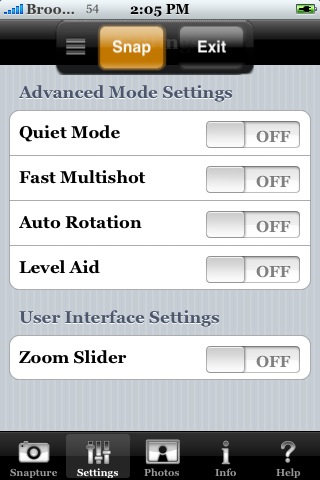
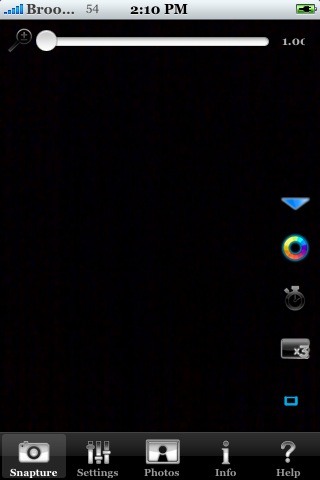
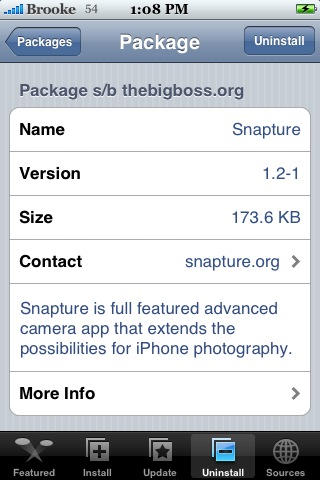
 Snapture, a very cool camera application, has recently been updated to version 2.0. The update adds a few notable new features including touch-to-focus (for iPhone 3GS users), photo sharing (Twitter and Facebook) and a few color filters. The update is free for those who have already purchased the app.

 The CEO of Snapture Labs, the developers of the very cool camera application
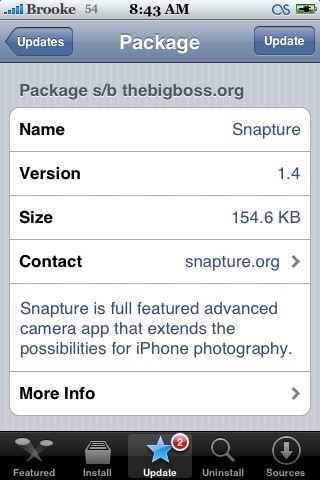
 Snapture is a favorite among many of you…including Doug and I…so updates are always exciting! Well, version 1.4 of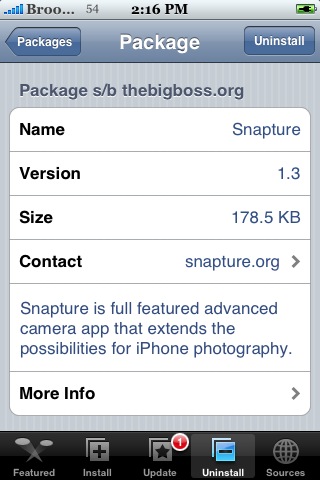


 Loading ...